

5.0 Average Rating
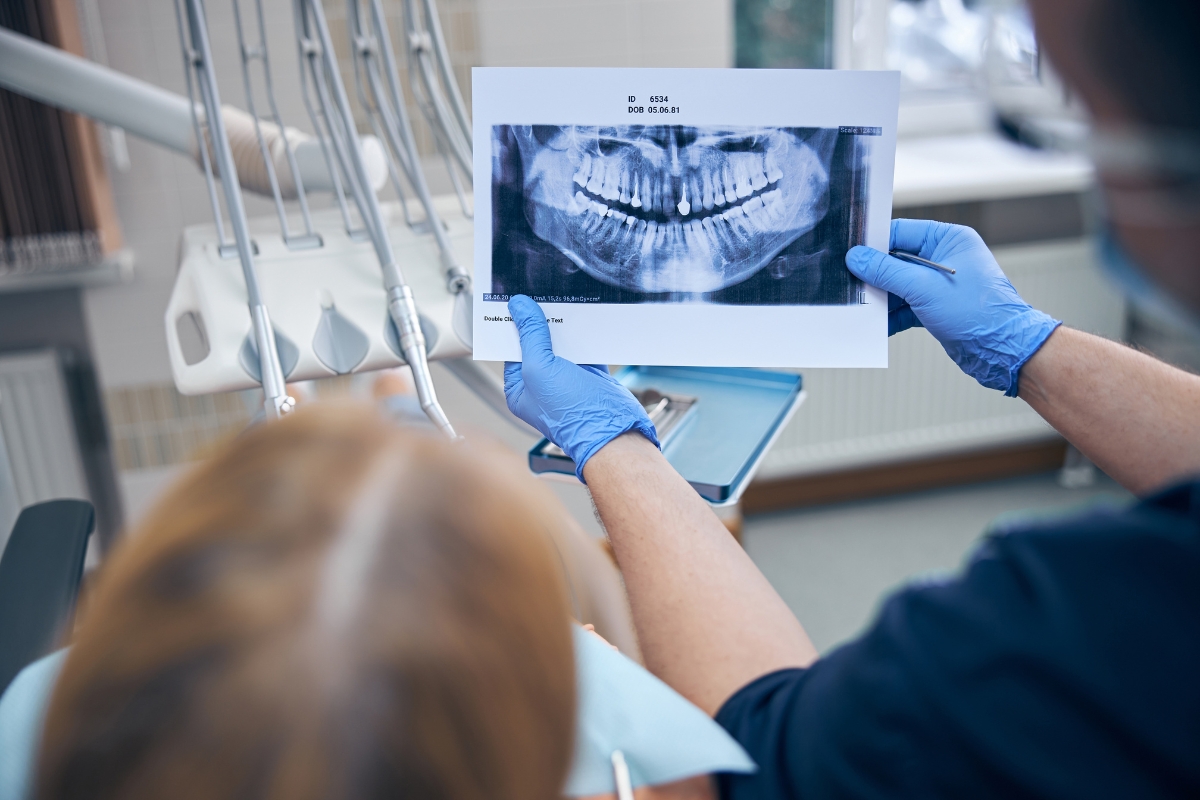
You’re sitting in the dental chair, bib clipped on, sensor in your mouth and then you wait. And wait. The image that should appear on the screen in seconds is taking far longer than expected. Sound familiar?
If your dental practice has experienced slow X-ray image production, you’re not alone. This is one of the most common operational frustrations in dental clinics across Florida and beyond. More importantly, it’s often a sign that your equipment needs attention which is where Dental X-ray Machine Repair becomes essential.
Understanding why this happens can help clinic owners and staff take faster action and avoid longer, more costly downtime.
How a Dental X-ray Machine Is Supposed to Work
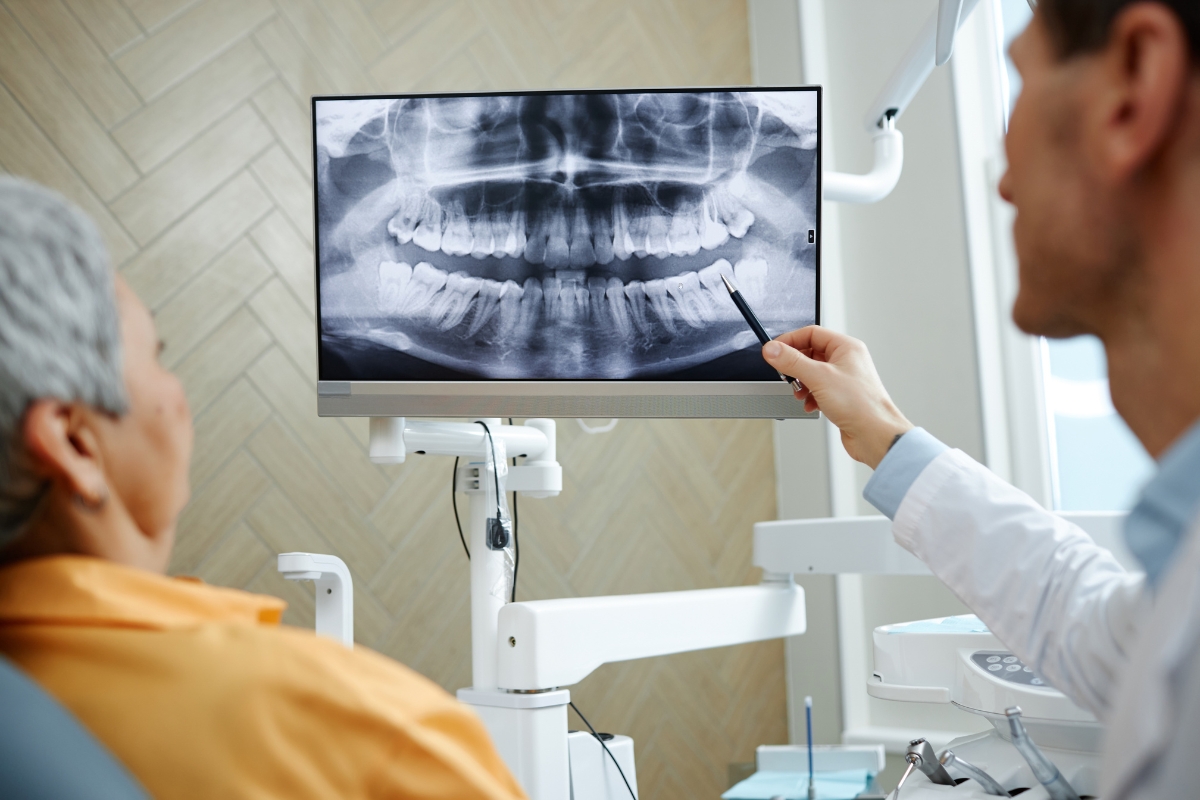
Modern dental X-ray systems whether digital sensors, phosphor plate systems, or panoramic units are designed for speed and efficiency. A standard intraoral digital X-ray should display on the screen within 5 to 15 seconds of exposure.
The process involves three key steps:
- The X-ray unit emits a controlled beam of radiation
- The sensor or plate captures the image data
- Software processes and displays the image on the monitor
When any part of this chain slows down, the entire workflow suffers.
Common Reasons a Dental X-ray Machine Takes Too Long
1. Outdated or Failing Digital Sensors
Digital sensors have a limited lifespan. Over time, the internal components degrade, causing slower data transfer and image generation. A sensor that once delivered images in 8 seconds might start taking 30 seconds or more a clear signal that Dental X-ray Machine Repair or sensor replacement is overdue.
Signs of sensor issues include:
- Inconsistent image quality
- Partial images or dark spots
- Delayed or frozen software screens
2. Software and Driver Conflicts
Dental imaging software relies on regularly updated drivers and system compatibility. When a Windows update or practice management software upgrade isn’t aligned with your X-ray software version, image processing can slow significantly.
This isn’t a hardware problem but it can feel exactly like one. A technician experienced in Dental X-ray Machine Repair can diagnose software conflicts quickly and restore normal function.
3. Phosphor Plate (PSP) Reader Problems
Practices using phosphor plate systems depend on a scanning unit to “read” the exposed plate and convert it to a digital image. If the reader’s laser mechanism is dirty, misaligned, or worn, image generation slows considerably.
Regular cleaning and calibration of PSP readers is a critical yet often overlooked maintenance task.
4. USB Connection and Hardware Interface Issues
Most digital X-ray sensors connect via USB. Over time, USB ports on computers or interface boxes can loosen, collect debris, or experience internal wear. A poor connection means data transfers slowly or incompletely dragging out image production.
Switching ports or replacing cables can sometimes fix this. But if the issue persists, deeper hardware diagnostics are needed.
5. Computer Processing Limitations
Dental imaging software is resource-intensive. If your clinic’s computer is running low on RAM, has a fragmented hard drive, or is infected with background processes or malware, it simply can’t process X-ray data efficiently.
Upgrading hardware or optimizing your system can make a dramatic difference in image speed.
6. X-ray Generator or Timer Issues
For panoramic or cephalometric units, slow image capture can also stem from the generator itself problems with the exposure timer, kV/mA output inconsistency, or a failing tube head. These are more complex issues that require professional Dental X-ray Machine Repair from a certified technician.
Why Slow X-rays Are More Than Just Inconvenient
A slow X-ray workflow adds up fast. Consider:
- Poor Patient Experience
- Longer chair time
- Increased patient discomfort and anxiety
- Appointment Delays
- Even a 30-second delay per X-ray can disrupt the entire schedule
- Creates a backlog of patients throughout the day
- Reduced Diagnostic Confidence
- Poor image quality may require repeated X-rays
- Leads to unnecessary radiation exposure and delays in diagnosis
- Increased Staff Frustration
- Unexpected technical delays disrupt workflow
- Creates additional stress and pressure for the clinical team
At The Dental Techs in Florida, we see these issues regularly and in most cases, early intervention through professional Dental X-ray Machine Repair prevents the need for full equipment replacement.
How to Know When It’s Time to Call a Professional
Not every delay is serious, but some warning signs should prompt immediate action:
- Images taking more than 30–45 seconds consistently
- Frequent system crashes or software freezes during imaging
- Error messages from your imaging software
- Physical damage to sensors, cables, or the X-ray unit
- Unusual sounds from panoramic or cephalometric units during rotation
Don’t wait for a complete breakdown. The longer faulty equipment operates, the more damage accumulates and the higher the repair or replacement cost.
Preventive Maintenance: The Best Way to Avoid Delays
Routine maintenance is the single most effective way to keep your dental X-ray equipment running efficiently. A good maintenance schedule includes:
Quarterly Sensor Inspection
- Check for physical damage or wear.
- Test sensor performance and data transfer speed.
Annual Software Audit
- Ensure drivers and imaging software are fully updated.
- Verify compatibility between the software, drivers, and imaging system.
Monthly PSP Reader Cleaning
- Clean the laser assembly regularly.
- Clean and inspect the transport mechanism to prevent image-reading issues.
USB & Connection Testing
- Check all USB ports, cables, and hardware connections every six months.
- Ensure stable and reliable data transfer.
Regular Computer Optimization
- Perform system cleanup and storage optimization.
- Check RAM and overall system performance.
- Run regular malware and security scans.
The Dental Techs offers preventive maintenance contracts for dental practices across Florida, helping you avoid unexpected breakdowns and costly emergency repairs.
What the Repair Process Looks Like
Many dental practice owners worry that calling for Dental X-ray Machine Repair means days of downtime. In reality, most issues are diagnosed and resolved within a single service visit.
Here’s what a typical repair process involves:
Initial Assessment
- Review the system’s error history.
- Test the sensor, software, and related components.
- Identify the root cause of the issue.
Part Sourcing
- Identify any components that require replacement.
- Source OEM or high-quality compatible parts promptly.
Repair & Recalibration
- Repair or replace the faulty components.
- Fully recalibrate the system according to manufacturer specifications.
Performance Testing
- Run multiple image cycles after the repair.
- Verify image quality and system performance.
- Confirm the issue is completely resolved before completing the service.
Most clinics are back to full imaging capability the same day.
Questions Patients and Clinic Staff Often Ask
Why does the image sometimes appear incomplete or half-black?
This usually indicates a failing sensor or a poor USB connection. The sensor is only capturing part of the image before the data transfer is interrupted. A technician can identify whether the sensor needs repair or replacement.
Can slow X-ray images affect diagnosis accuracy?
Yes. Delayed or degraded images may lead to retakes, which increase radiation exposure. More critically, poor image quality can obscure important diagnostic details. Fast, clear imaging is essential for confident diagnosis.
Is it safe to keep using a slow X-ray machine while waiting for repairs?
It depends on the cause. Software slowdowns are generally safe to operate through temporarily. But if the issue involves the X-ray generator, tube head, or exposure timing, continued use without professional evaluation could compromise both patient safety and equipment longevity.
How long do dental X-ray sensors typically last?
Most high-quality digital sensors last 5 to 7 years with proper care. Heavy daily use, physical drops, or biting pressure can shorten that lifespan significantly. Regular inspection helps you plan for replacement before failure disrupts your practice.
Can I fix a slow X-ray machine myself by restarting the computer or software?
A restart can resolve temporary software glitches, and it’s always a reasonable first step. However, if the problem recurs after rebooting, the underlying cause requires professional diagnosis. Continuing to restart without addressing the root issue can mask a worsening hardware problem.
Why do panoramic X-rays take longer than intraoral ones?
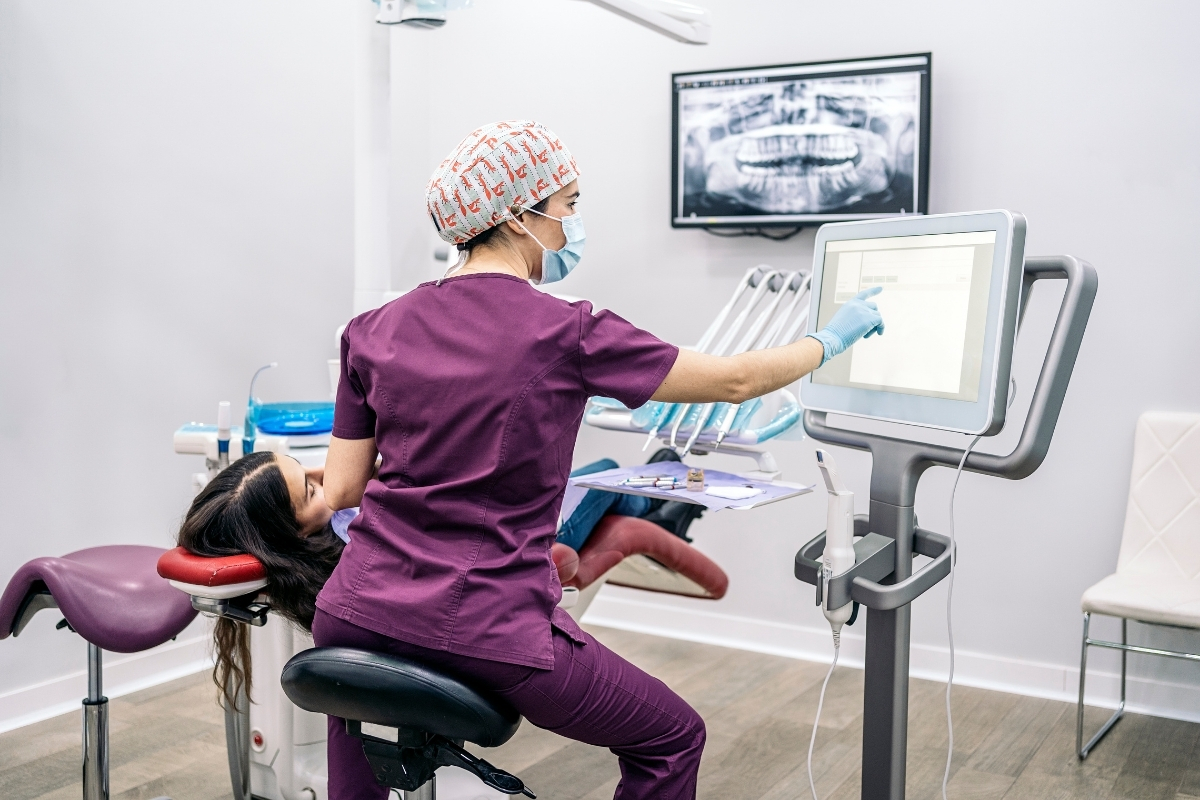
Panoramic units capture a wide-angle image as the machine rotates around the patient’s head. The data set is much larger, so processing naturally takes longer typically 15 to 30 seconds. If it’s taking significantly longer than that, or the rotation speed seems inconsistent, the unit’s motor or generator may need servicing.
Final Thoughts: Don’t Let Equipment Issues Slow Your Practice Down
A dental X-ray machine that takes too long to produce an image isn’t just a minor inconvenience it’s a signal that something needs attention. Whether the issue is a degraded sensor, software conflict, or generator problem, early Dental X-ray Machine Repair is always more affordable than emergency replacement.
At The Dental Techs in Florida, we specialize in diagnosing and repairing all major dental X-ray systems digital sensors, PSP readers, panoramic units, and more. Our certified technicians serve dental practices throughout Florida with fast turnaround, transparent pricing, and a commitment to keeping your workflow running smoothly.
Ready to get your X-ray system back on track? Schedule your appointment today and let The Dental Techs take care of the rest so you can focus on taking care of your patients.